
Things to do before your course starts
Page Navigation
Username & Password
For matriculation purposes, you should have received an email containing your username and password. This email would have also provided instructions on setting up multifactor authentication and resetting your password.
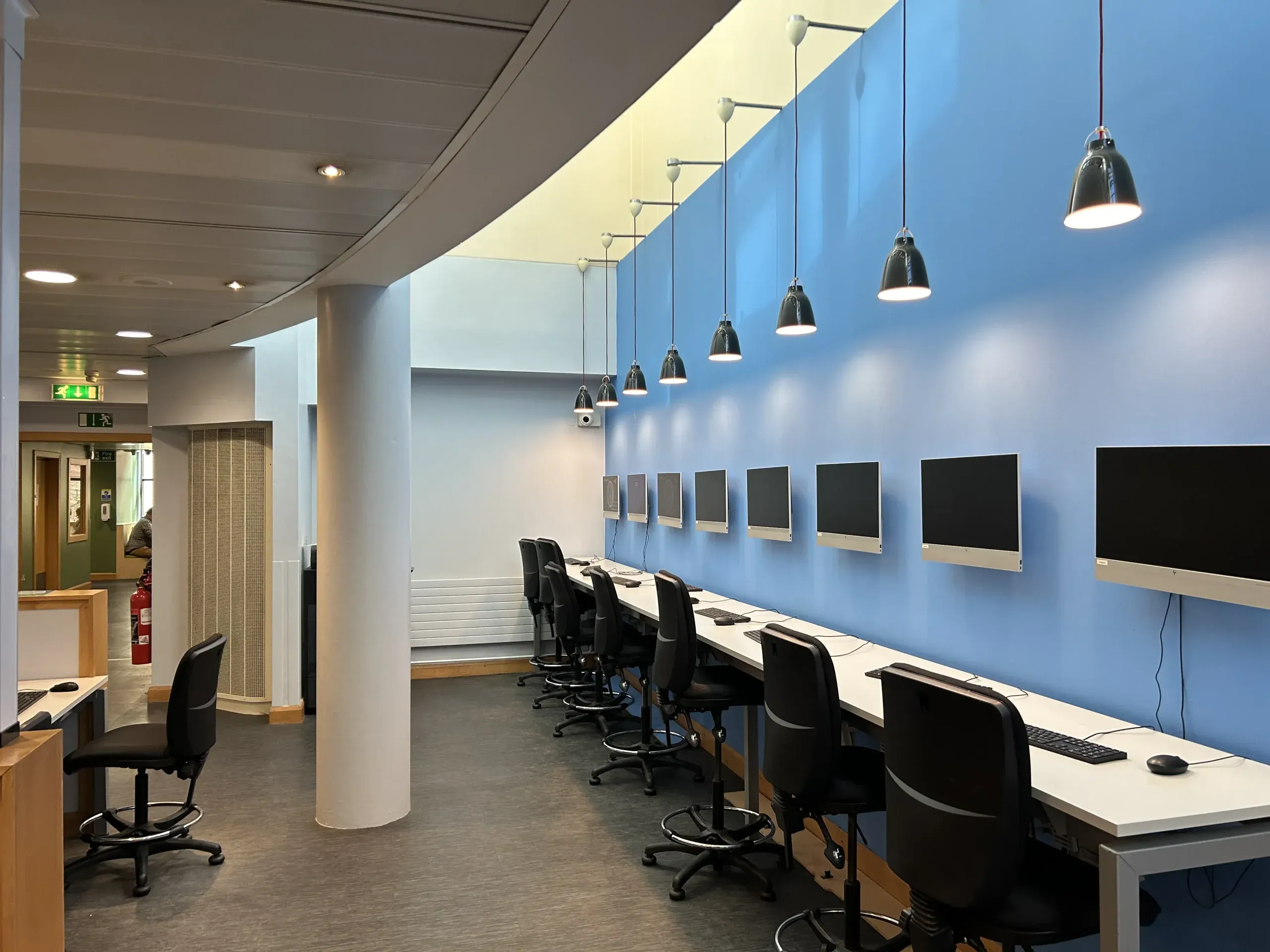
You’ll need your email address and password to log in to RCS systems and access campus computers in the Alexander Gibson Opera School (AGOS) Student IT Suite, the Whittaker Library, and Wallace Studios.
Your RCS account password can be reset using the Microsoft self-service portal.
Microsoft 365
Email and Outlook
Your Conservatoire email address will be used by Registry, Finance, Programme Support Administrators, tutors, the Library, and IT, for communication purposes.
To access your email you can follow the link ‘Email’ in the Students & Staff section of the footer of rcs.ac.uk. You can also directly navigate to office.com and log in using [your username]@rcs.ac.uk along with your password.
It is important to check your RCS email regularly, at least daily. For convenience, consider installing the Outlook app on your mobile device to receive notifications and read new messages on the go. Outlook can also be installed on your personal laptop or desktop.
Teams
Microsoft Teams is a powerful communication app that enhances collaboration and learning. It integrates everyone and everything in one place, makes it easy for educators to set up virtual classrooms, keep assignments organised, and collaborate on Word, Excel, and PowerPoint files in real-time.
Watch this short video to learn more about Teams.
OneDrive
OneDrive allows you to access and protect your school work, share files and collaborate from anywhere, on any device. You can easily store, access, and discover your individual and shared files in Microsoft 365, including Microsoft Teams, from all your devices. Your offline edits will automatically sync next time you connect.
With the OneDrive mobile app you can create, view, edit, and share files while on the move. Conveniently capture whiteboards and scan printed documents or handwritten notes and other paper documents for safe storage.
Digital Capabilities
As part of your studies you will be using the Jisc Discovery Tool. This is a tool used to reflect on and develop your own digital capabilities. You will be using this tool as part of the teaching in the Creative Citizenship module. Please complete the New Student question set now.
Use your RCS username and password to log on to the tool. You may be used to confirm your role (i.e. student). You will see a welcome message and be asked to provide some information to complete your account setup.
To start a question set go to the homepage and select Question sets and reports for students. Navigate to the New Students question set and answer the questions. You will be provided with a report based on your answers which you can use to guide your own digital development. The report is anonymous – only you will have access to it.
You will have access to this tool throughout your time as a student, and you can also explore other areas, such as Digital skills for AI and generative AI and Recognising digital skills for employability.
For further guidance, please see: Discovery tool: student guide
Cyber Security Training
Cyber security training is compulsory for staff and students at the RCS. You will receive an email at the start of term from RCScompliance@rcs.ac.uk with links to the online training. You will also receive emails throughout the year to new training, which you must complete.
Your programme leader will be informed if you do not complete this training.

Policies
As a member of the RCS community, it is essential to read and adhere to the Conservatoire’s policies and guidelines.
We would like to bring your attention to three IT-related policies:
By logging into our systems, you agree to comply with these policies. Please take the time to read and understand them.